Looking for an alternative to Raspberry Pi Compute Module 4 for an embedded Linux project? ArmSoM CM5 is worth evaluating—especially when your next design includes local AI processing.
The important question is not simply whether another module fits. It is how much of your carrier board, software and application can be reused, and what needs validation.
Why consider ArmSoM CM5?
ArmSoM CM5 uses the Rockchip RK3576, combining four Cortex-A72 cores and four Cortex-A53 cores with an NPU rated at up to 6 TOPS for INT8 workloads.
ArmSoM’s documentation states that the module can be used with a Raspberry Pi CM4 baseboard and provides a separate image download entry for the CM5–Raspberry Pi CM4 IO configuration. This gives developers a documented starting point for evaluating carrier reuse. See the ArmSoM CM5 documentation.
These features make CM5 an option to investigate for projects such as an equipment interface, a connected controller or an edge-vision device. They are not a guarantee that every existing CM4 project will migrate unchanged.
Carrier reuse: check the interfaces your project actually uses
Start with an interface checklist rather than assuming universal drop-in compatibility.
ArmSoM documents differences from Raspberry Pi CM4, including support for one HDMI and one DSI interface rather than the two of each available on CM4. A design depending on those additional display interfaces needs particular attention. The documentation also includes hardware-revision notes that should be checked before testing.
For your carrier, verify:
- Power requirements and startup signals.
- Connector pin assignments and multiplexed functions.
- Display and camera connections.
- USB, Ethernet, PCIe and other required peripherals.
- Mechanical clearance and cooling.
A successful test on the Raspberry Pi CM4 IO Board does not automatically validate every third-party CM4 carrier.
Software reuse: migrate the application, not just the storage
Plan to start with an image intended for ArmSoM CM5 and the selected carrier. Do not assume an existing Raspberry Pi OS installation will boot unchanged.
Application logic written around portable Linux interfaces may be reusable. Board-specific GPIO code, camera configuration, device-tree settings and hardware-accelerated components need separate review.
Build a simple acceptance test for each required function before integrating the complete application.
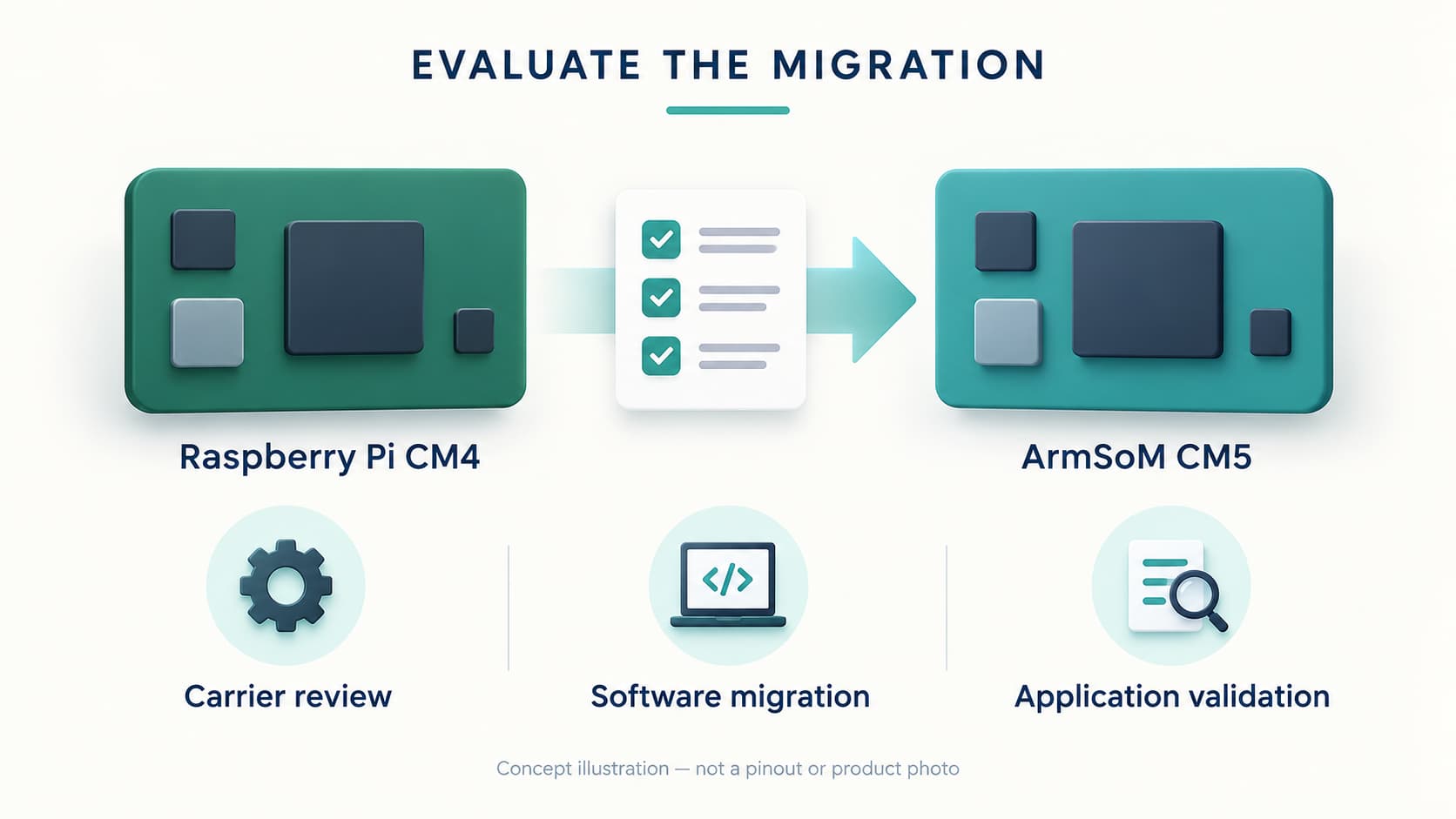
Evaluate the whole migration cost
The module price is only one part of the decision. Include carrier changes, software work, peripheral validation, cooling and maintenance.
A practical first milestone is modest: boot a supported configuration, run the application’s core function, and validate one critical peripheral. Use those results to decide whether a wider migration makes sense.
Using Raspberry Pi CM4 today? Share your carrier model, required interfaces and operating system. Those details will help determine whether ArmSoM CM5 is a suitable alternative for your project.