I have a CM5 module which is already pre-flashed, but I would like to use the sdcard for more convenient testing. I use balena etcher on linux to write the img as mentioned on the wiki, but I keep seeing the message that the img does not contain a bootable partition. If I write the sdcard and I plug it into the board, the module keeps booting from emmc. What is the correct procedure to get sdcard booting?
I’ve used both the official RPI CM4 carrier board and the Waveshare CM4-IO-BASE-A board, using Armbian imager to flash the latest version of the armsom-cm5-rpi-cm4 prebuilt images but I see the same behavior: I cannot boot from sdcard at all, on both carrier boards. Any help/hint is very welcome.
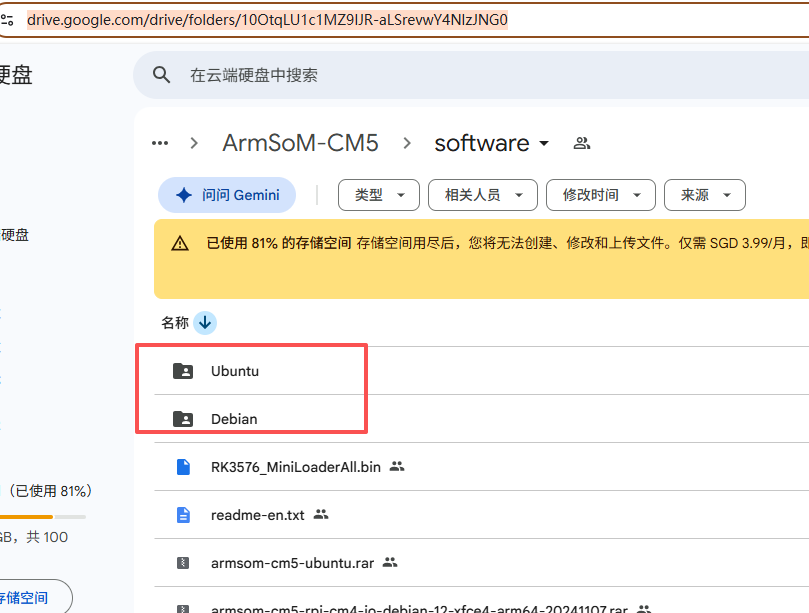
https://drive.google.com/drive/folders/10OtqLU1c1MZ9IJR-aLSrevwY4NlzJNG0
Hello, as mentioned above, you will need to use our official Rockchip flashing tool.
You may need to clear the eMMC first: sudo dd bs=1M if=/dev/zero of=/dev/mmcblk0 count=1000 status=progress
sudo sync
For SD card flashing tools, please refer to this document: 2. Flash Image | ArmSoM docs
Tested and confirmed that SD card booting is possible.
armsom-sige5/7, armsom-LM7(w3), armsom-aim7, and armsom-cm5 are all bundled into a single SDK for easier maintenance and support Ubuntu 22.04 and Debian 12.
Armsom-bsp can be compiled and developed by customers themselves: Code address: GitHub - ArmSoM/manifests: ARMSOM series board source code repository · GitHub
Documentation address: 1. ArmSom-SDK Release | ArmSoM docs
New firmware address: ArmSoM – Google Drive
but how to properly write an sdcard with Linux? (cant use windows, neel a full linux procedure)
I take it back, after erasing the emmc I can boot from sdcard (using armbian official images) written with the “armbian imager”. will try also balena etcher from linux
hi, thank you very much for your support. I confirm that I can flash and boot from the sdcard using both the Armbian build and also the Armsom-SDK build (from scratch). I only had to fix a small issue when building as for instructions on your webpage.
--- a/drivers/input/touchscreen/Makefile
+++ b/drivers/input/touchscreen/Makefile
@@ -6,7 +6,7 @@
 # Each configuration option enables a list of files.

 # wm97xx-ts-y := wm97xx-core.o
-# goodix_ts-y := goodix.o goodix_fwupload.o
+goodix_ts-y := goodix.o goodix_fwupload.o
but other than this … everthing was very smooth.
may I ask when verison 1.3 of the ArmSom CM5 will be available?