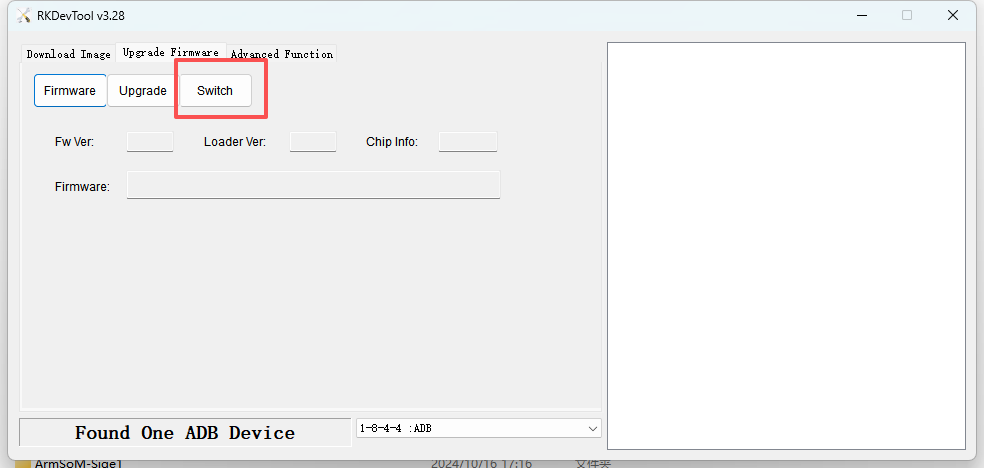
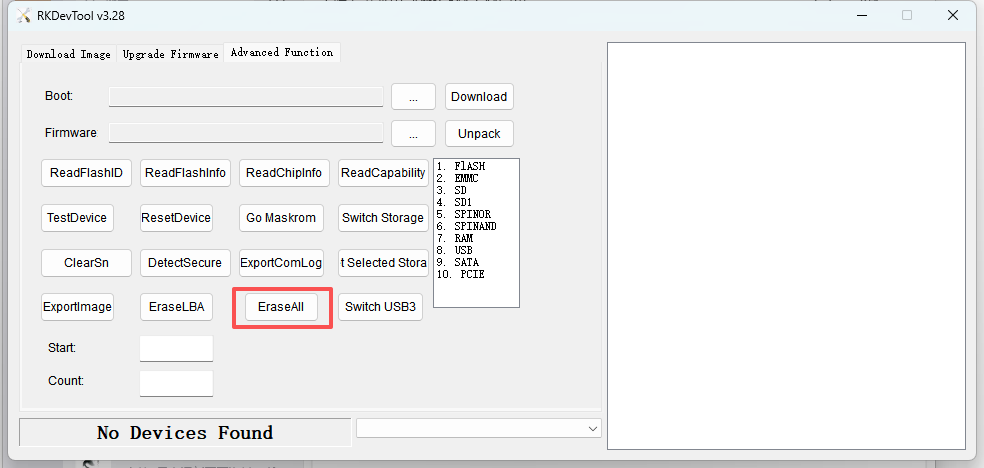
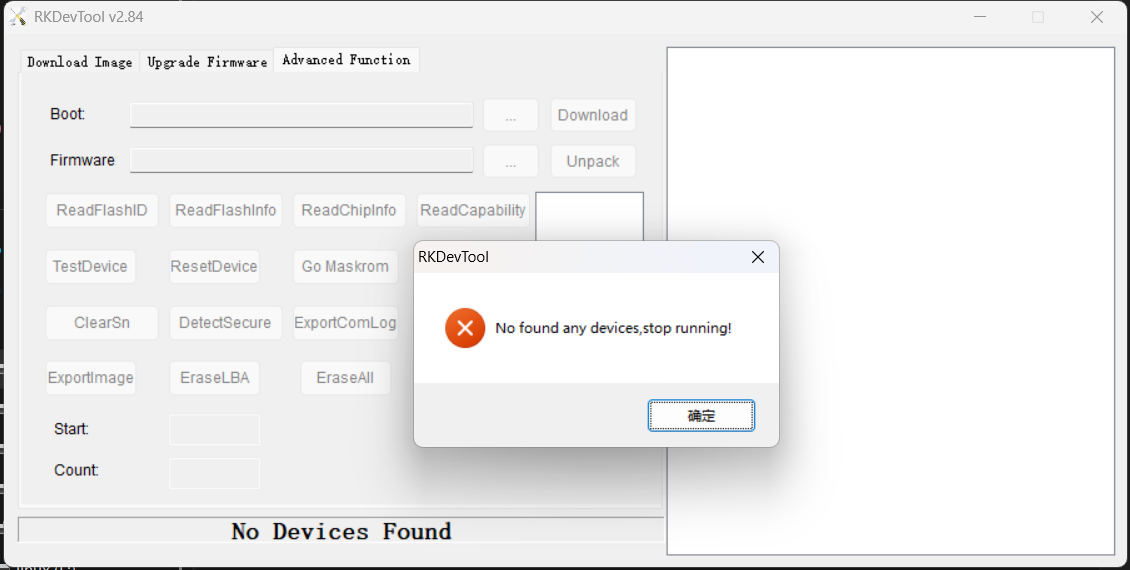
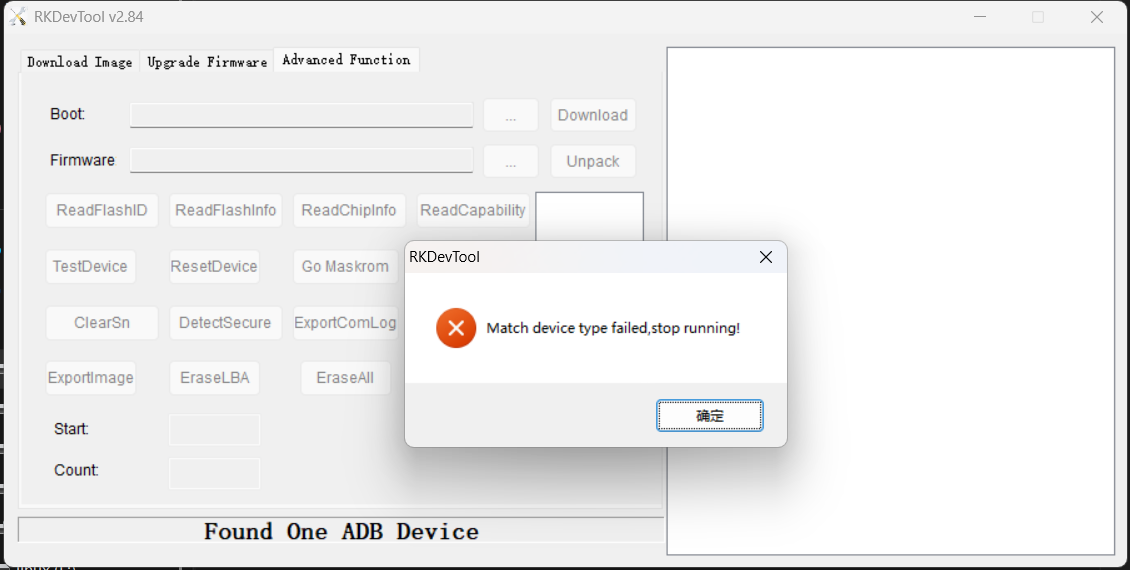
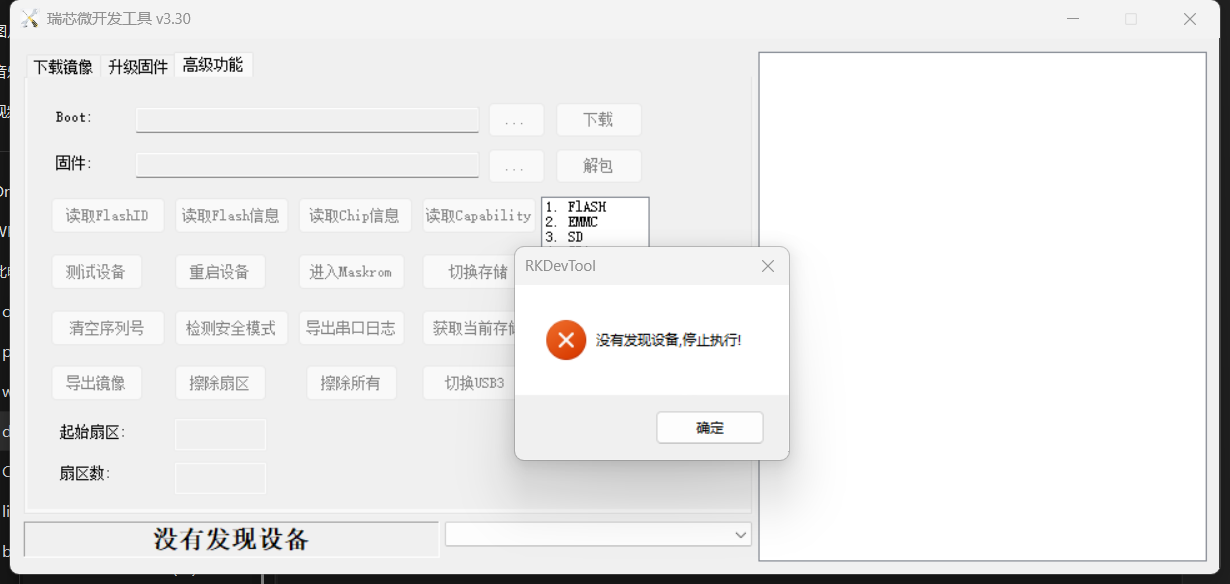
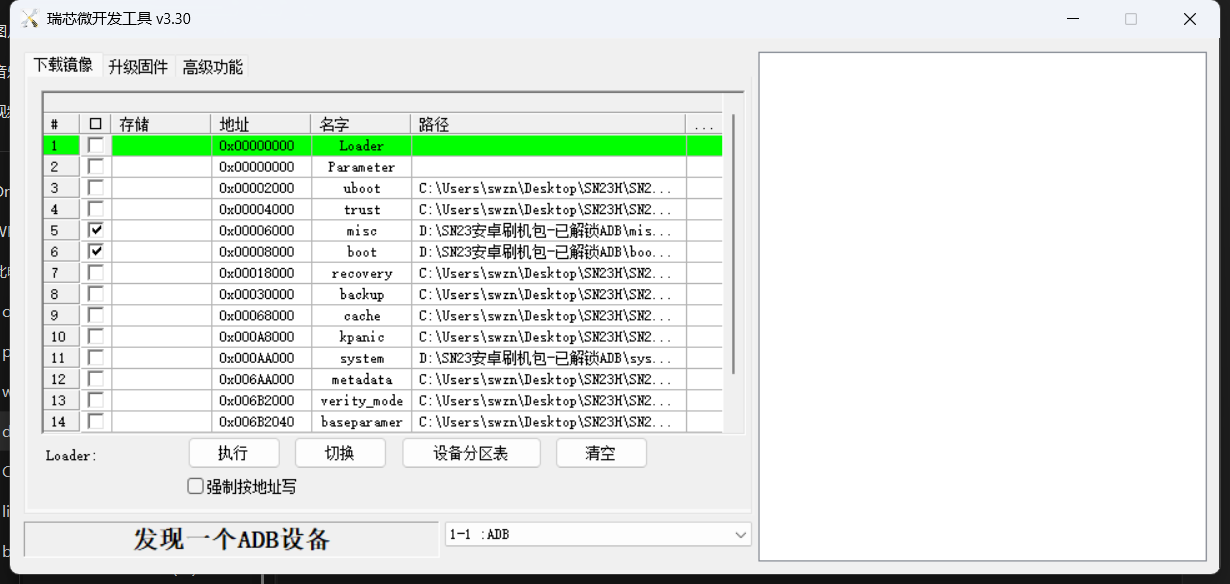
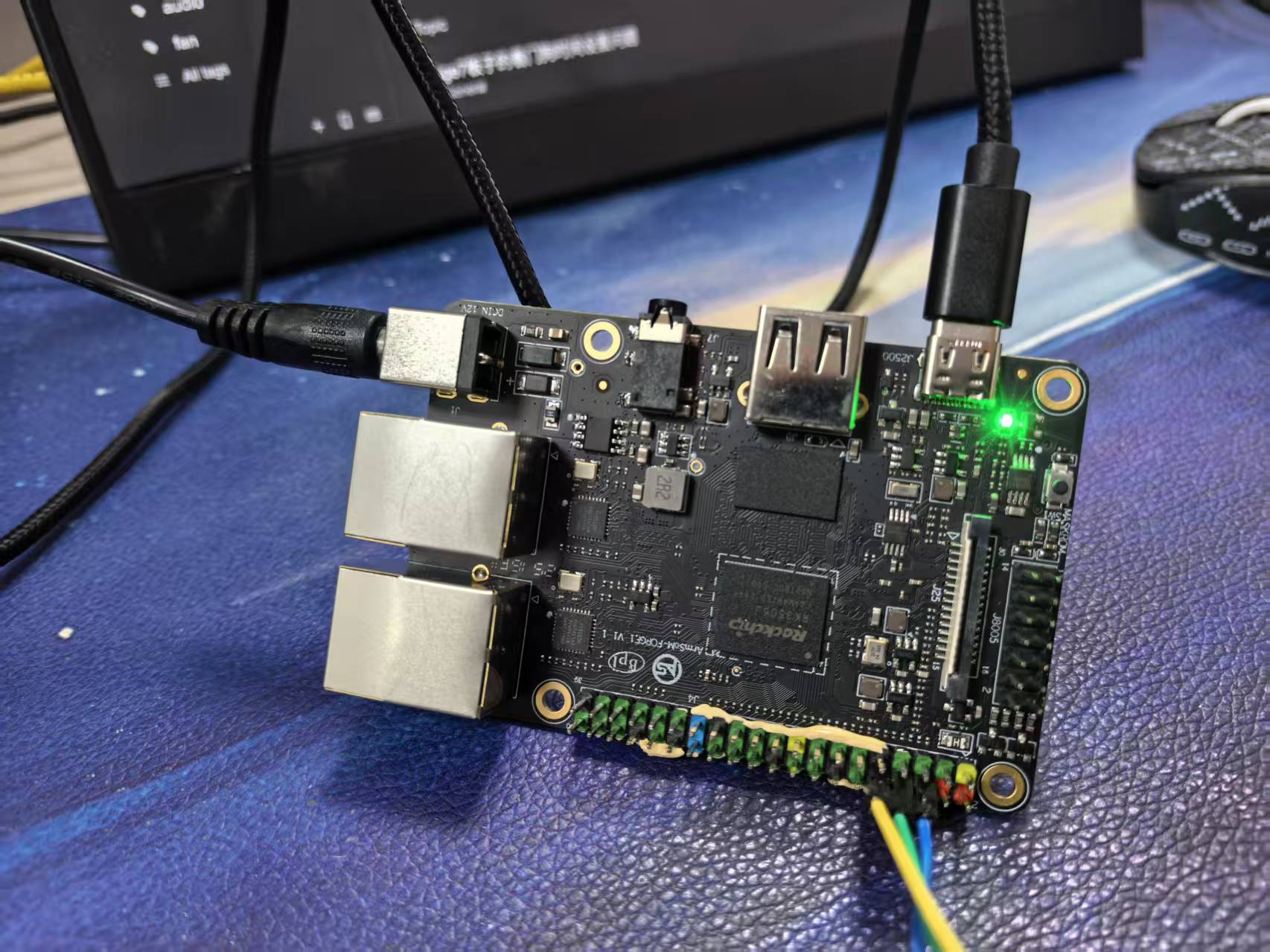
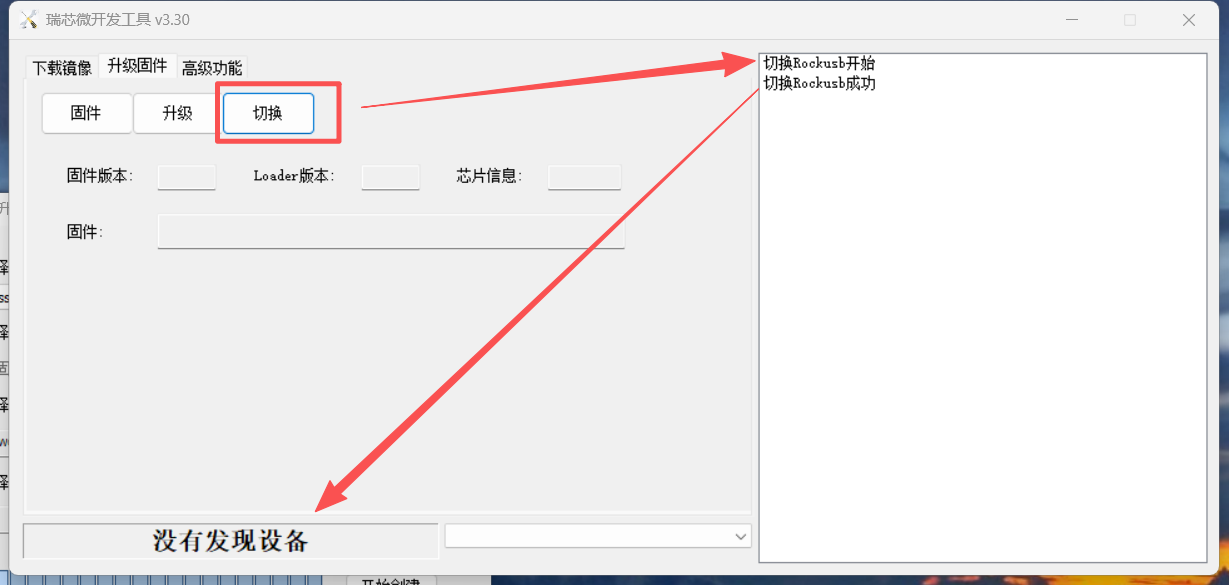
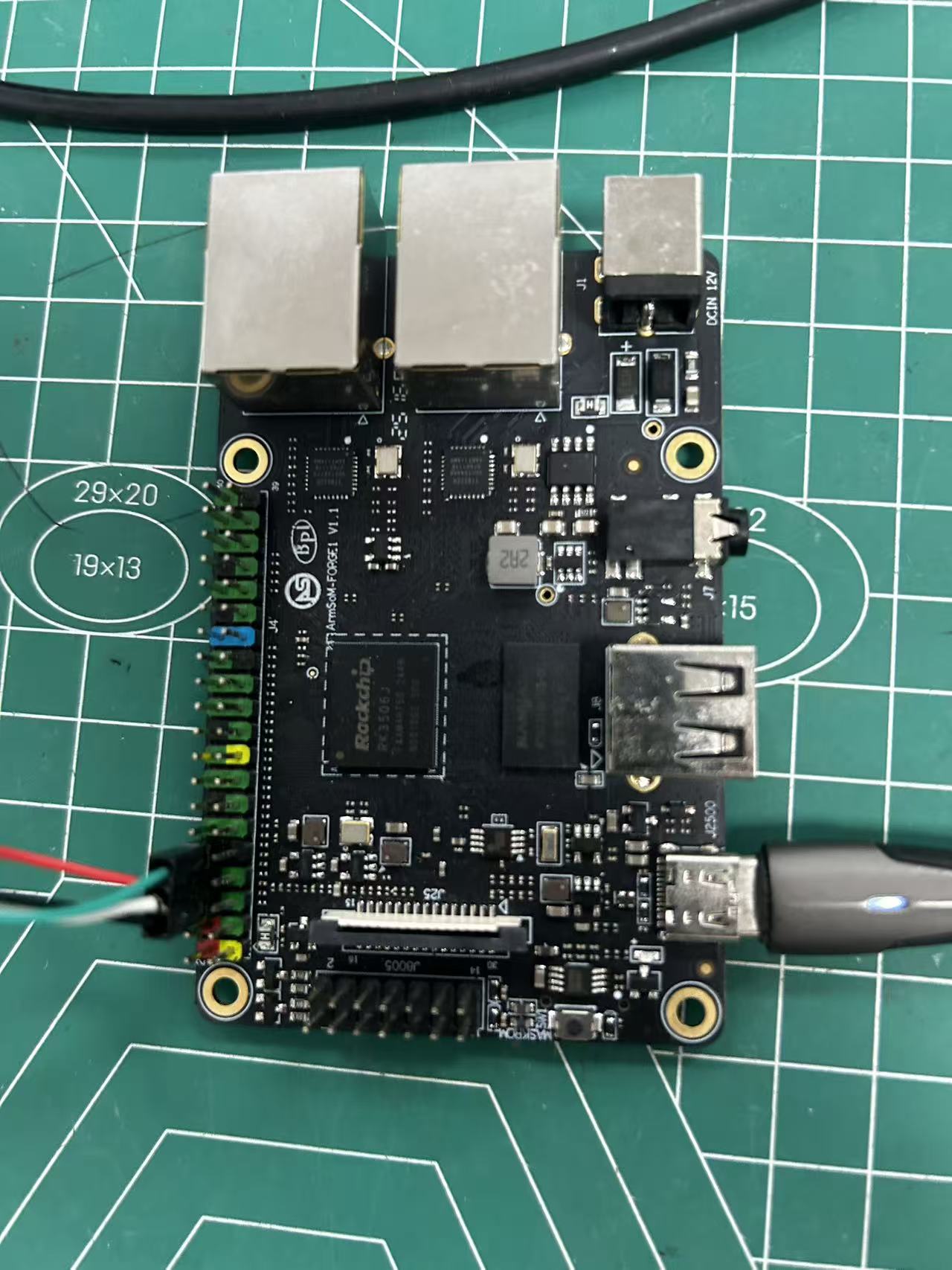
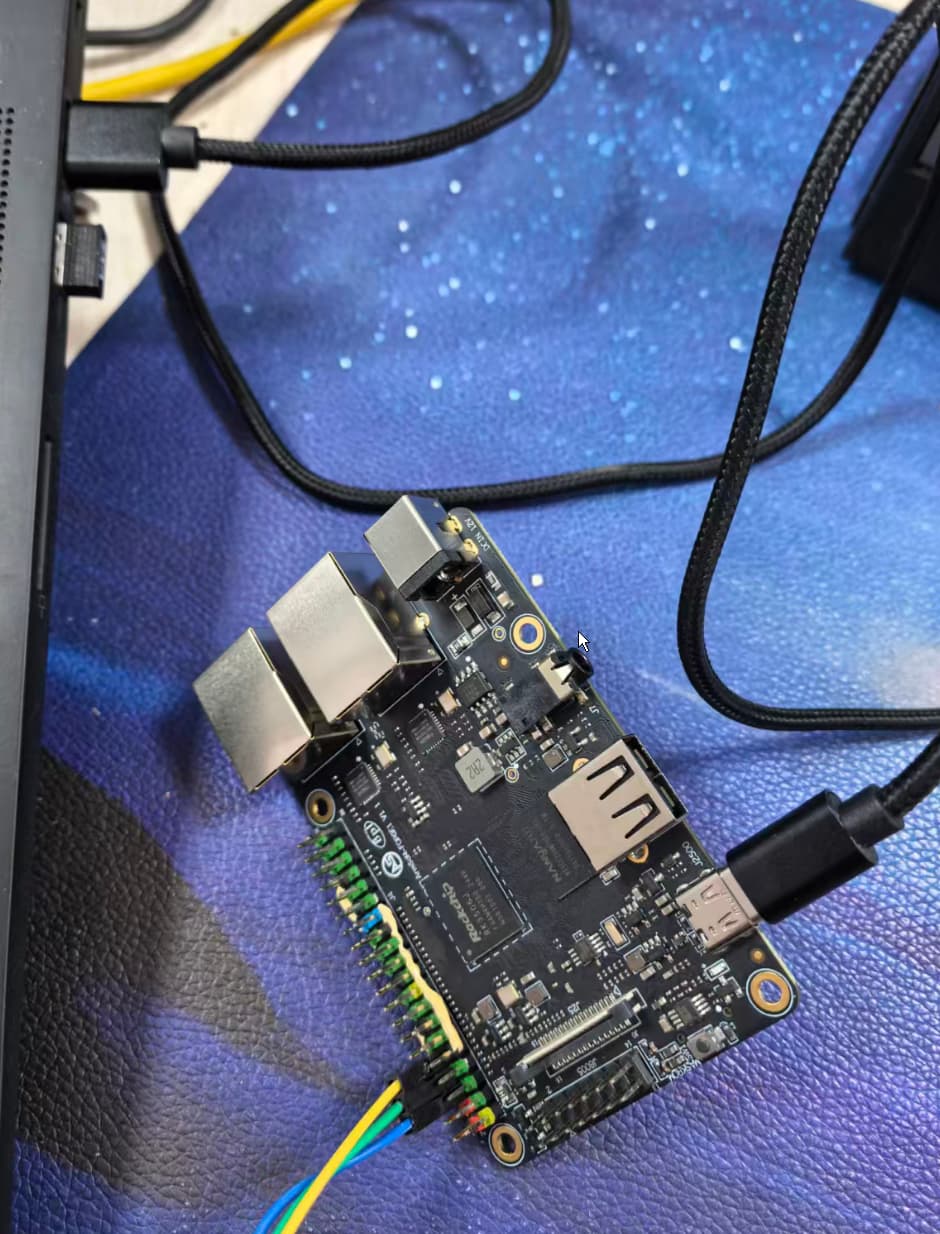
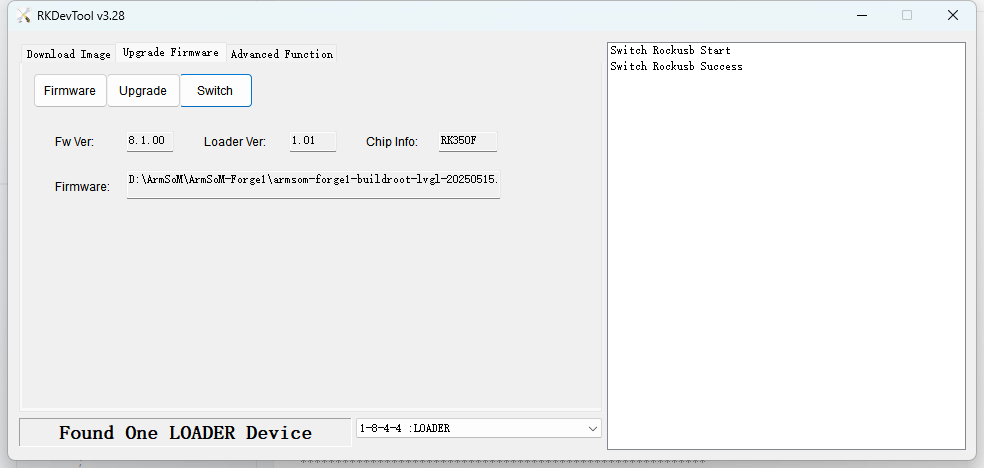
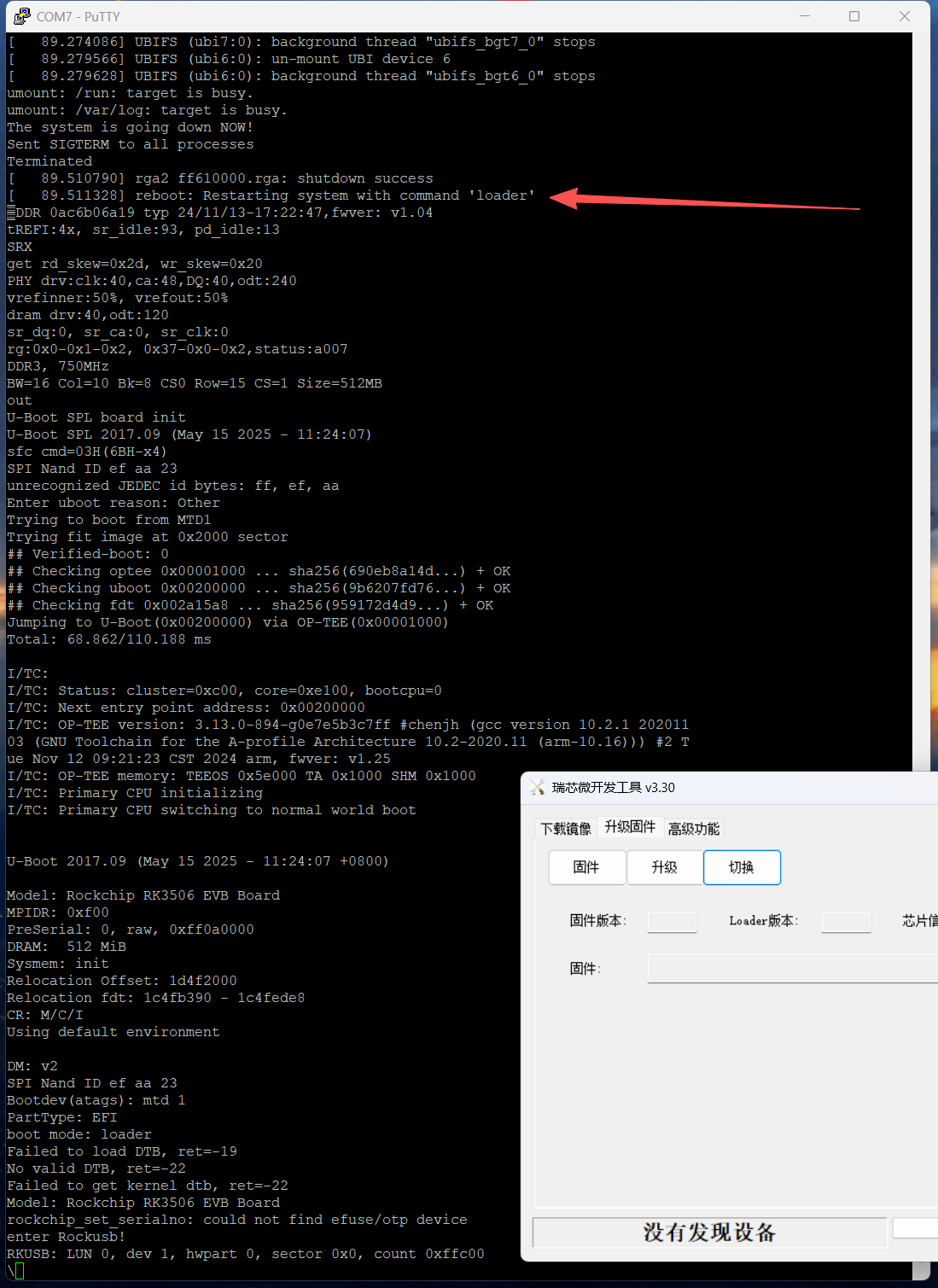
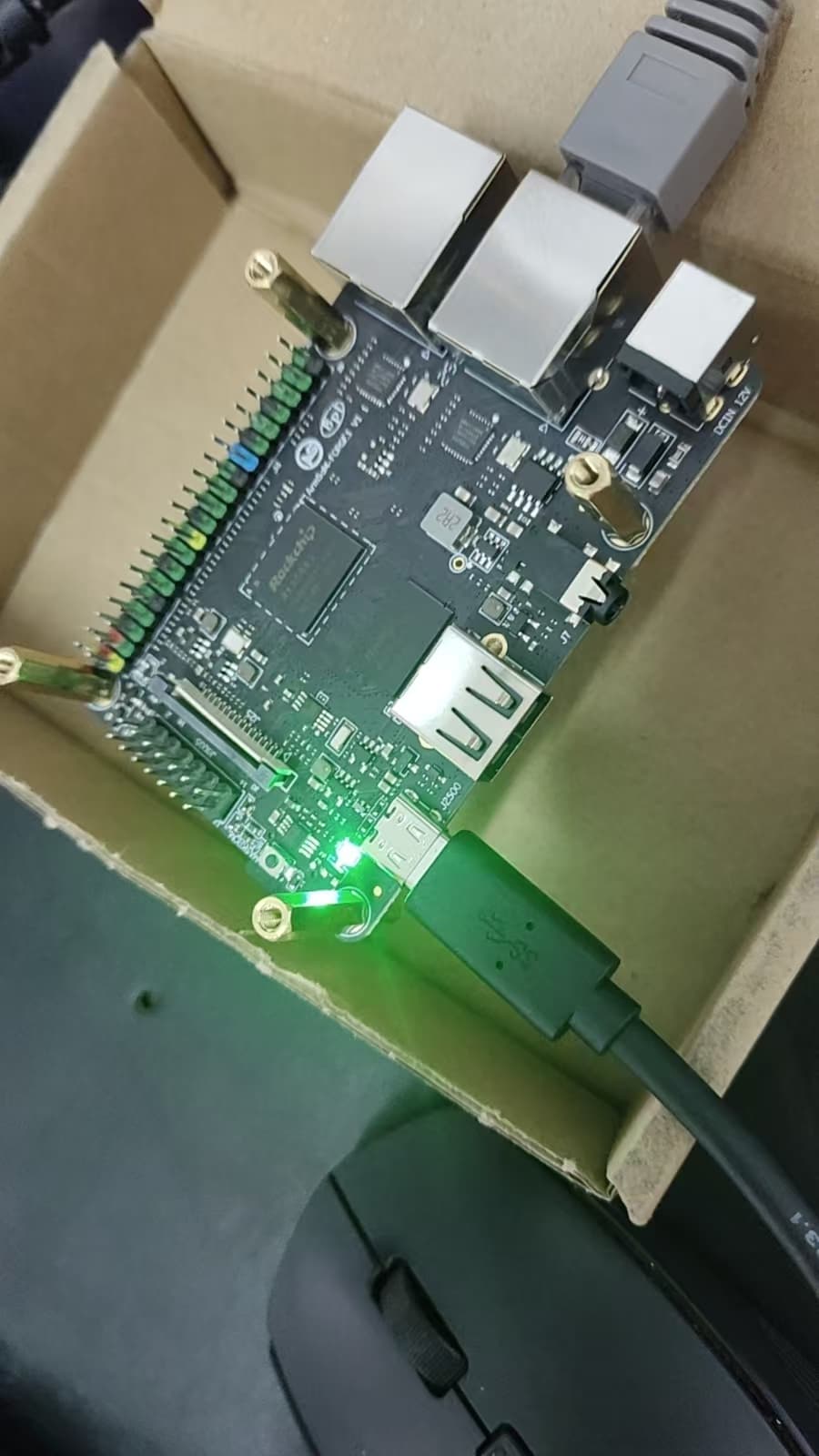
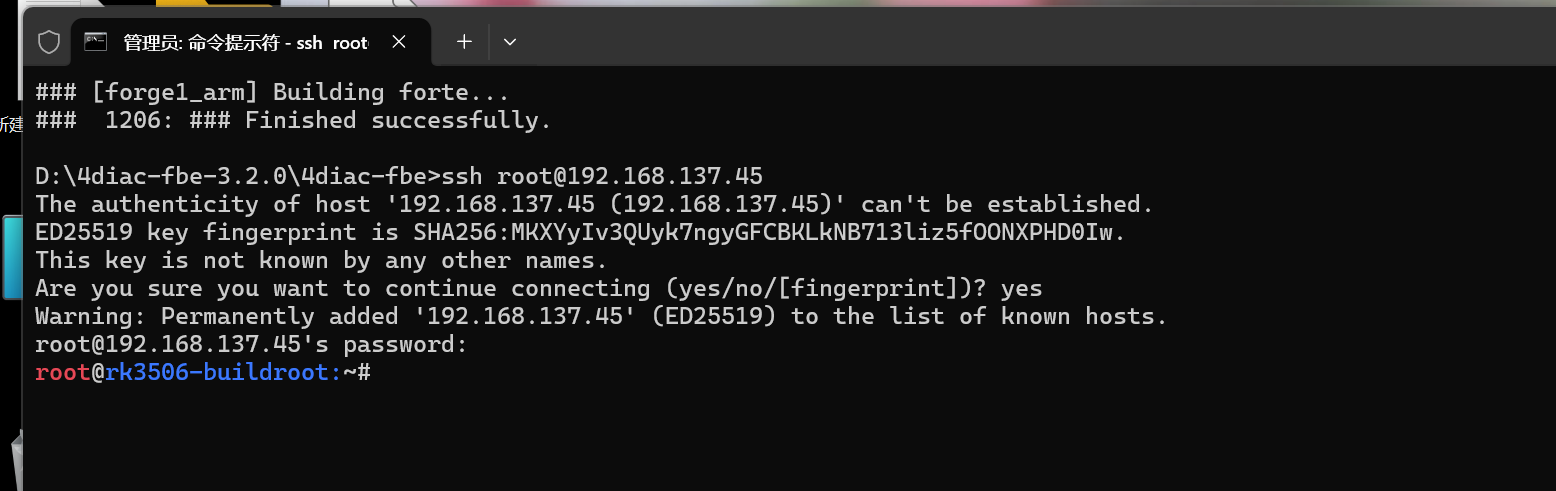
- 我使用flash_erase把mtd0清空了。
- 我使用SD_Firmware_Tool.exe(瑞芯微创建升级磁盘工具 v1.76),选择“SD启动”,烧写了“armsom_forge1_sd_defconfig_20250929.img”这个image。
- 使用SD卡启动以后,报如下错误:
问题:
- 该如何正确使用SD卡启动。
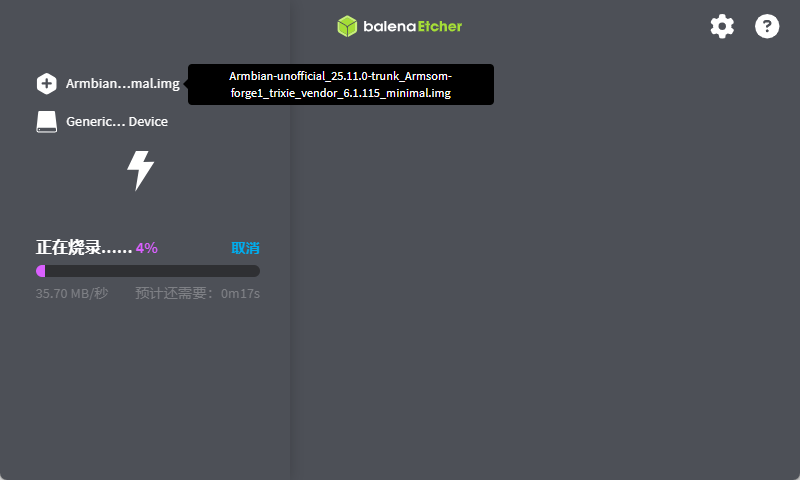
- 如果我想使用armbian 社区的镜像,该怎样烧录,我用balenaEtcher烧录的SD卡一直报GPT CRC错误,换了一块卡也不行。
万分感谢!
▒
[ 12.443291] platform vdd-arm: deferred probe pending
DDR 0ac6b06a19 typ 24/11/13-17:22:47,fwver: v1.04
tREFI:4x, sr_idle:93, pd_idle:13
PHY drv:clk:40,ca:48,DQ:40,odt:240
vrefinner:50%, vrefout:50%
dram drv:40,odt:120
sr_dq:0, sr_ca:0, sr_clk:0
rg:0x1-0x1-0x2, 0x38-0x0-0x2,status:a007
rdtrn:0x11-0x2e-0x4b(0x3a)
wrtrn:0x0-0x20-0x3f(0x3f)
DDR3, 750MHz
BW=16 Col=10 Bk=8 CS0 Row=15 CS=1 Size=512MB
out
U-Boot SPL board init
U-Boot SPL 2017.09 (May 15 2025 - 11:24:07)
sfc cmd=03H(6BH-x4)
SPI Nand ID ef aa 23
unrecognized JEDEC id bytes: ff, ef, aa
Trying to boot from MTD1
Trying fit image at 0x2000 sector
Not fit magic
Trying fit image at 0x3000 sector
Not fit magic
Trying to boot from MMC1
GUID Partition Table Entry Array CRC is wrong: 0x96bc0ffb != 0x7e31aecc
GUID Partition Table Entry Array CRC is wrong: 0x96bc0ffb != 0x7e31aecc
Repair the backup gpt table OK!
Repair the backup gpt table OK!
Trying fit image at 0x2000 sector
Verified-boot: 0
Checking optee 0x00001000 … sha256(690eb8a14d…) + OK
Trying kernel at 0xbf00 sector from ‘boot’ part
fit_find_config_node: Missing FDT description in DTB
No matching DT out of these options:
U-Boot FIT source file for arm
fit_find_config_node: Missing FDT description in DTB
No matching DT out of these options:
U-Boot FIT source file for arm
fit_find_config_node: Missing FDT description in DTB
No matching DT out of these options:
U-Boot FIT source file for arm
Invalid dtb
Jumping to Kernel(0x00200000) via OP-TEE(0x00001000)
Total: 383.387/428.688 ms
I/TC:
I/TC: Status: cluster=0xc00, core=0xe100, bootcpu=0
I/TC: Next entry point address: 0x00200000
I/TC: OP-TEE version: 3.13.0-894-g0e7e5b3c7ff #chenjh (gcc version 10.2.1 20201103 (GNU Toolchain for the A-profile Architecture 10.2-2020.11 (arm-10.16))) #2 Tue Nov 12 09:21:23 CST 2024 arm, fwver: v1.25
I/TC: OP-TEE memory: TEEOS 0x5e000 TA 0x1000 SHM 0x1000
I/TC: Primary CPU initializing
E/TC:0 0 rk_otp_sbpi_read:353 otp_check_ecc fail! parity=0x20
E/TC:0 0 rk_otp_read:789 —OTP—sbpi read otp failed! addr: 0x1ff
E/TC:0 0 call_initcalls:24 Initcall __text_start + 0x0001a280 failed
I/TC: Primary CPU switching to normal world boot