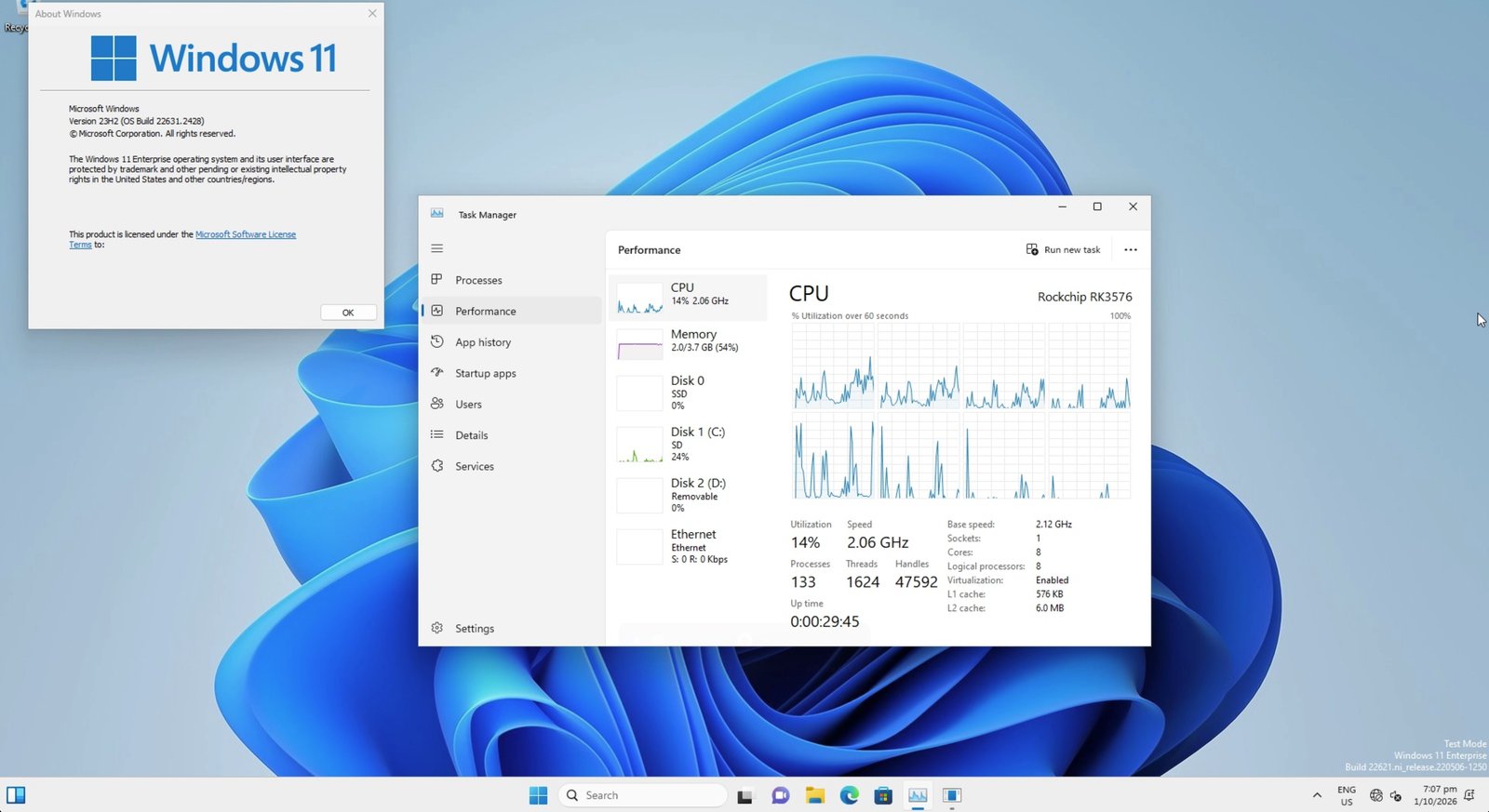
Windows 11 23H2 boots to the desktop on an ArmSoM CM5-IO (RK3576), from the eMMC. Firmware is my EDK2 port; the drivers are ported from worproject’s RK3588 set.
Works
- all 8 cores
- eMMC (boot disk), NVMe, SD card
- USB-A and USB-C (USB-C at USB 2.0)
- Ethernet
- display, through the UEFI framebuffer
Not working
- GPU acceleration
- audio
- Windows 11 24H2 and later: RK3576 is ARMv8.0
Drivers are test-signed, so Test Mode is on.
Firmware: Releases · gahingwoo/edk2-rk3576 · GitHub
Drivers and installer: Releases · gahingwoo/woa-rk3576 · GitHub
Thanks to ArmSoM for sponsoring the board
For the features you mentioned that aren’t working, have you tried flashing the official ArmSoM image? You can get the image from the official ArmSoM website: https://docs.armsom.org/armsom-cm5#official-image
That’s a Linux image, and this is Windows 11 booting via a custom EDK2 port, so the official image’s drivers don’t apply
Okay, so what exactly do you need? I suggest you flash our official image to check if the GPU and audio parts you mentioned on your board work properly and to make sure there’s no hardware issue. As for the Windows system you’re porting, we’re glad you shared your development project with us, but that’s not really our expertise. We can only help with the latest drivers, which is the kernel part, and adapting them to your system is something we’re not familiar with. Hope you understand, thanks!
Thanks, the hardware is fine, GPU and audio just need Windows drivers that don’t exist yet. I’m working on the GPU side separately (wddm-mali-g52). No help needed, just wanted to share